JDX TV
A media player for LG webOS and Android TV. It is built around the remote and runs on TVs with little memory.
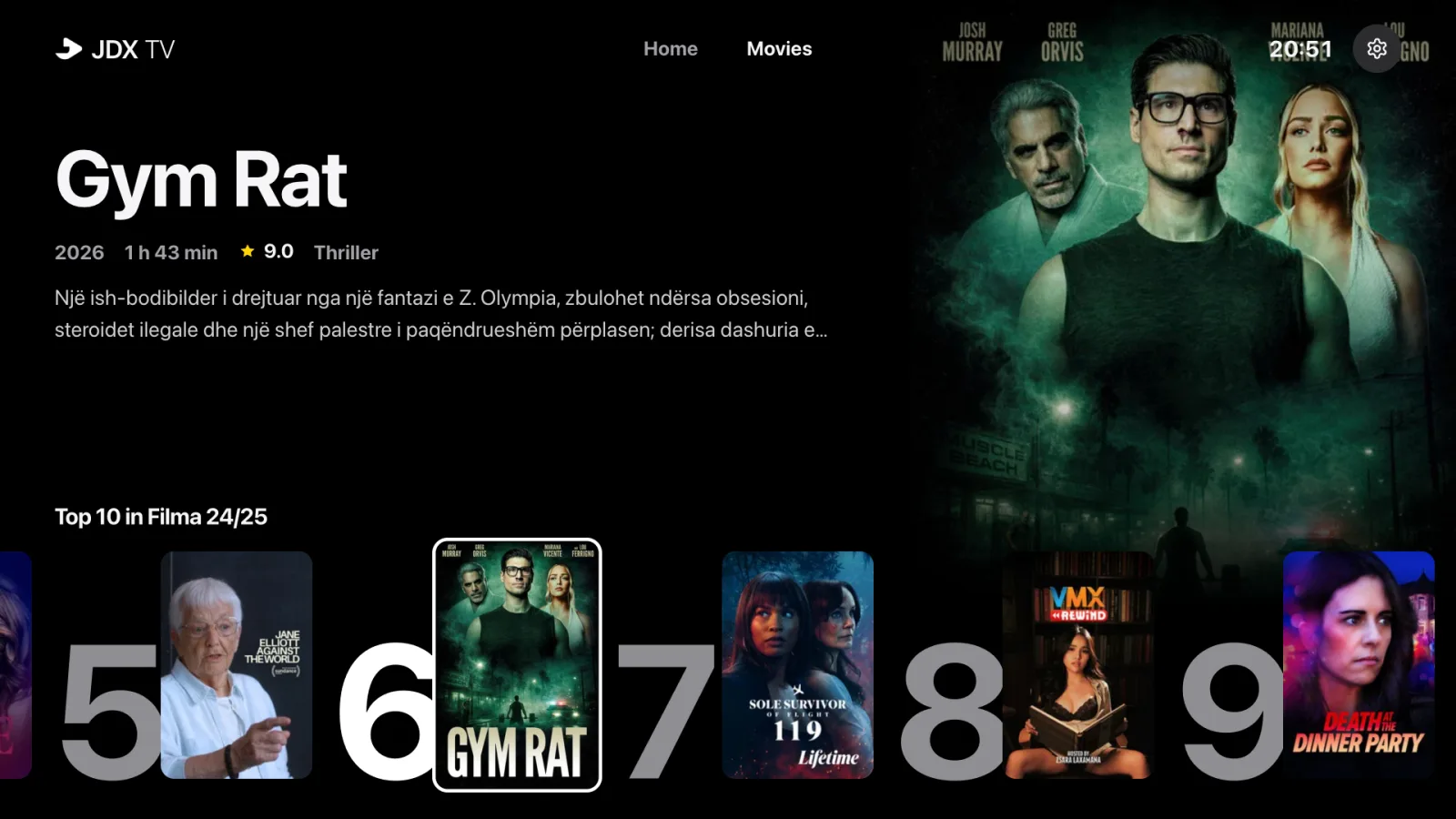
The brief. Solo: product, engineering, design.
JDX TV is only a player. It ships no channels, streams or subscriptions, and it isn't affiliated with any IPTV provider. You sign in with an account you already have and watch live TV, movies and series on the TV across the room. The test catalog has 57,000 channels, 186,000 movies and 50,000 series, and the oldest TV it has to run on is a 2016 LG with webOS 2. So it loads one category at a time, keeps live TV going when the connection is bad, and keeps every action one press away on the remote.
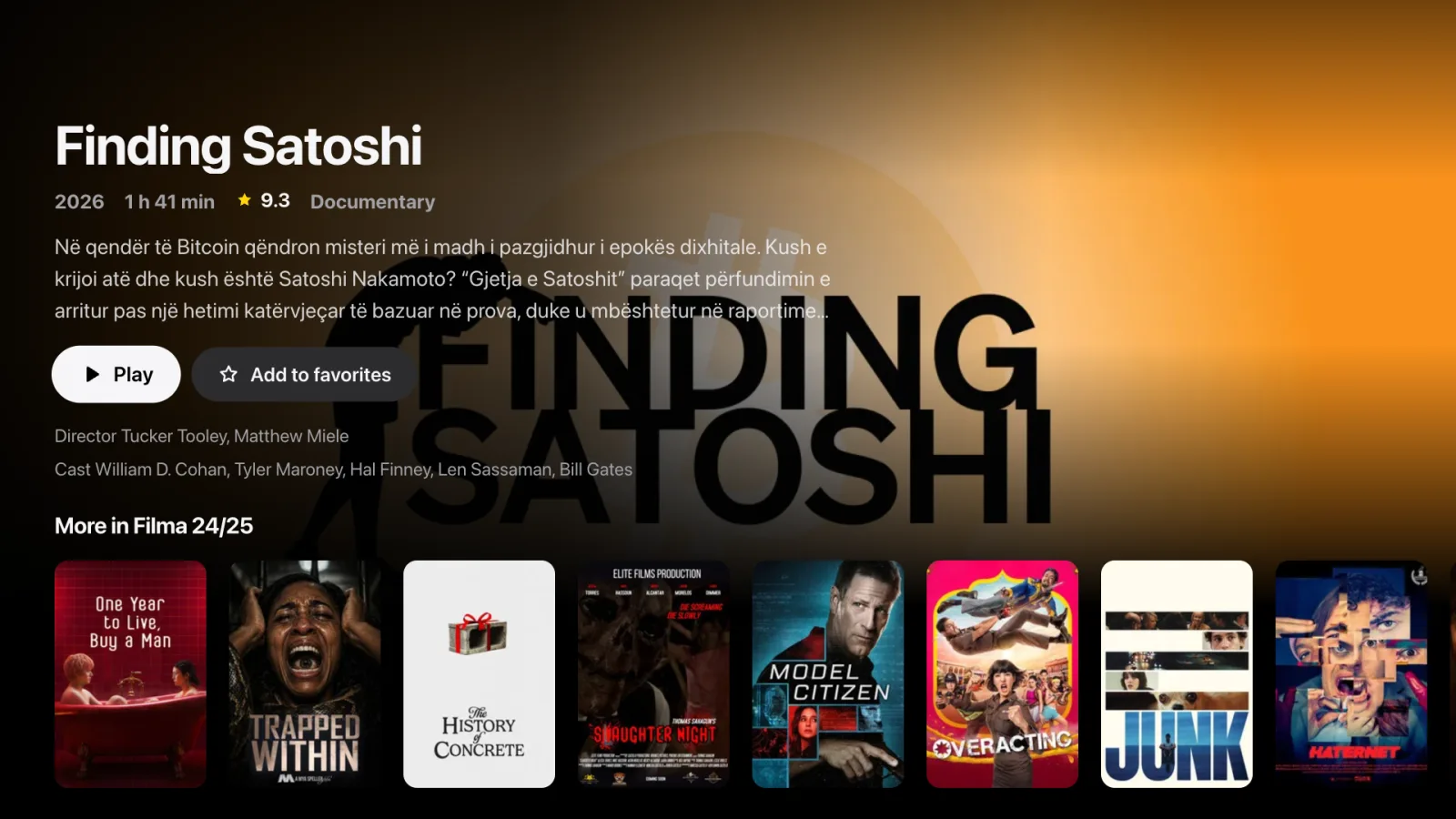
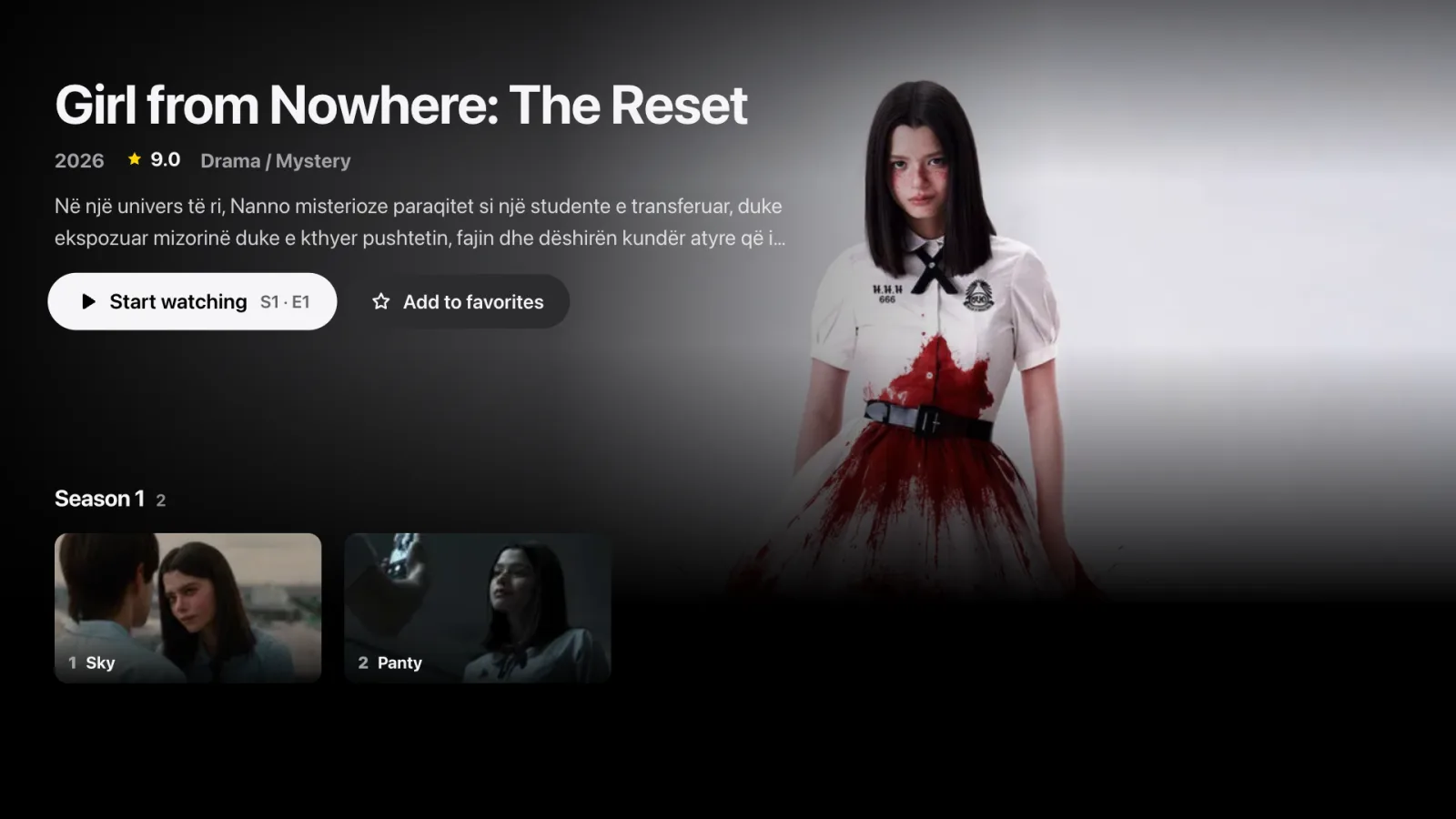

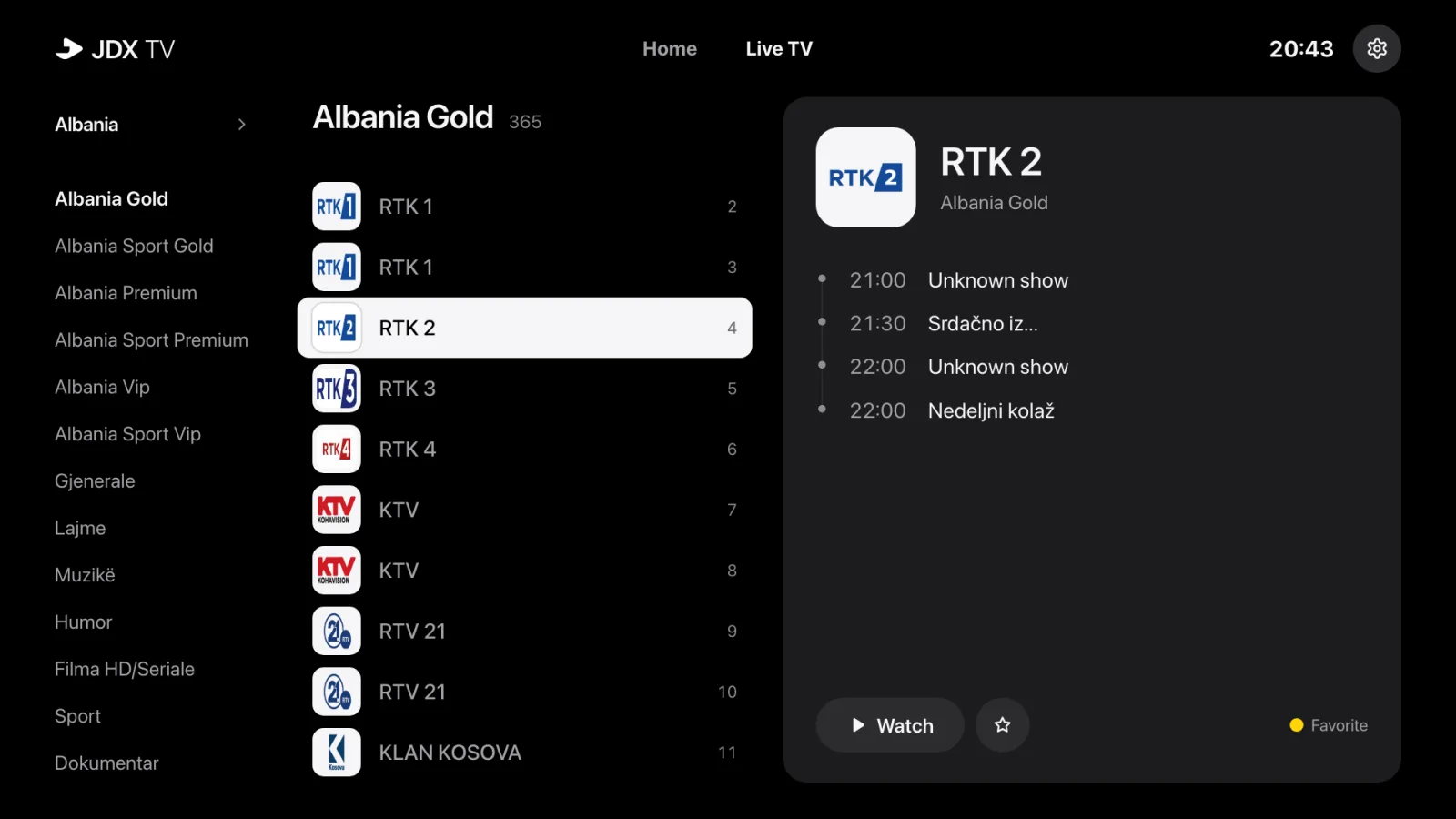
What it does
- Opens on the last channel and plays it at once
- Live TV by country and category, with now, next and catch-up
- Movies and series with resume, Top 10 rails and a title wall
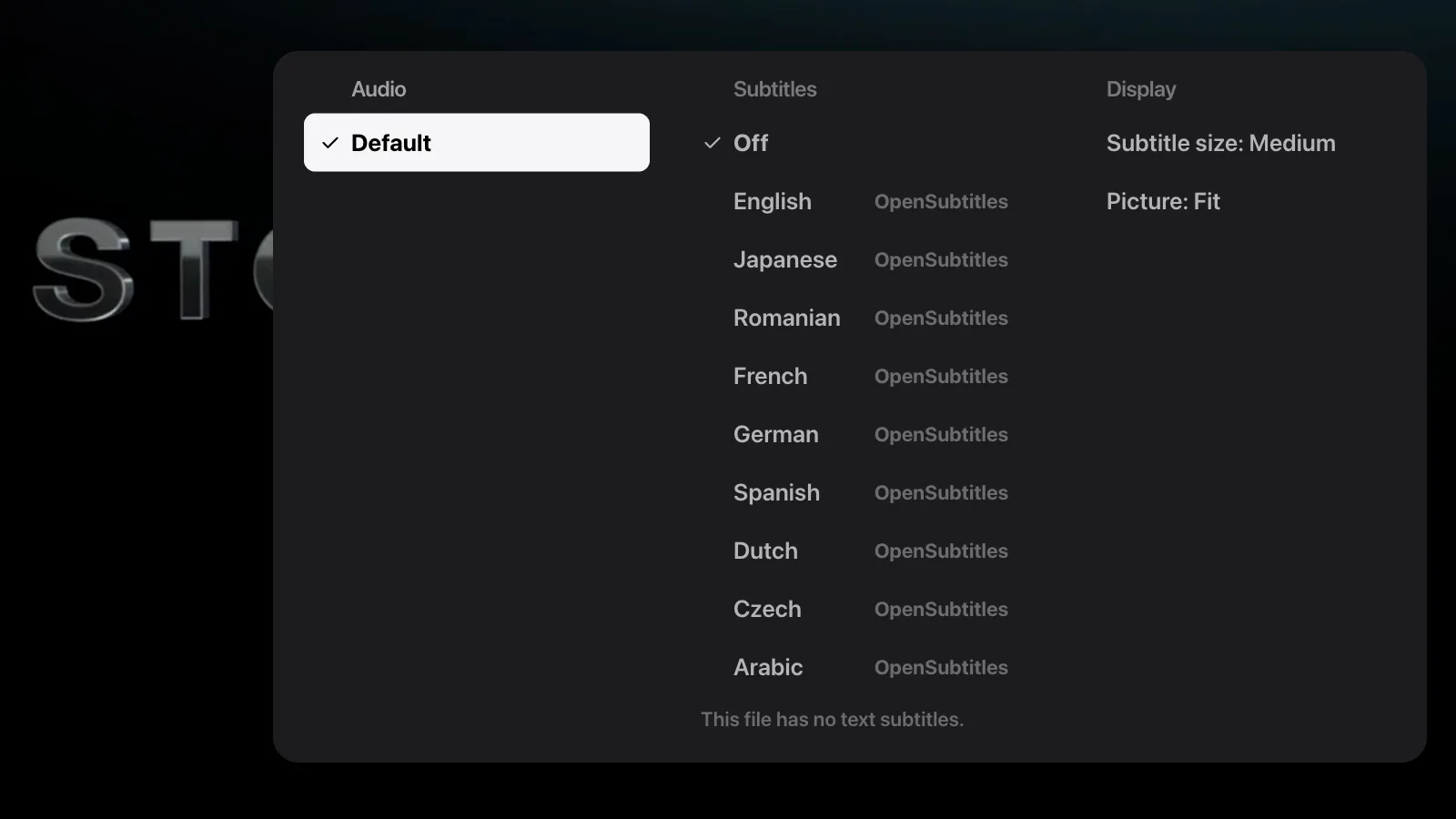
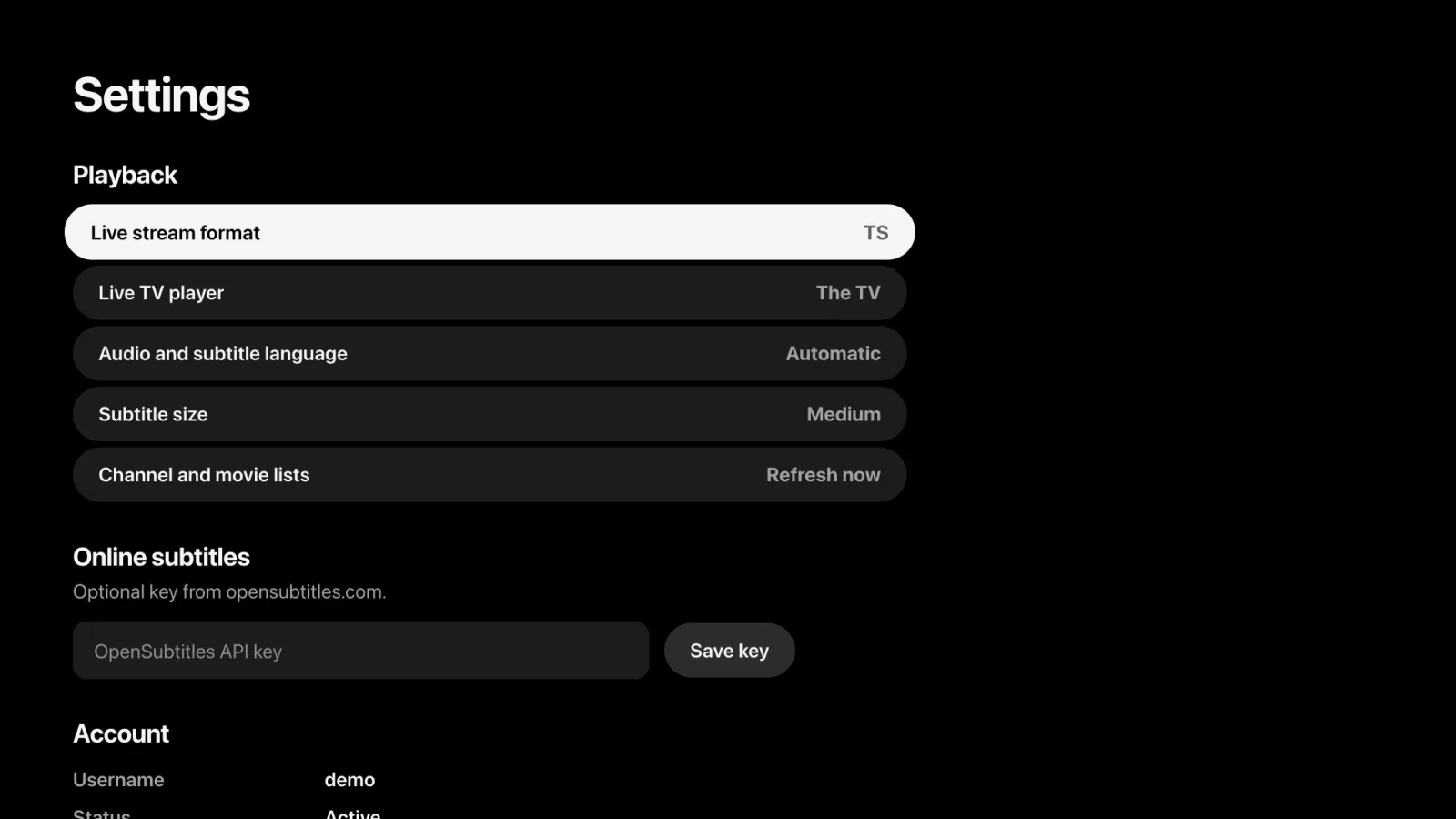
- Audio and subtitle picker that remembers your languages
- Colour keys mean one thing everywhere: Red for audio and subtitles, Yellow for favorites, Blue for catch-up
How it is built
- Plain ES5 with no framework, so it runs on webOS 2 through current TVs
- Virtualized lists: 3,000 channels build about 60 rows, and far rows are freed
- Live TV uses the TV's own player. The app's player, with a buffer reserve, steps in only when the TV can't decode the stream
- Android build: the same web app in a WebView over native media3 playback
- Offline test suite against a mock panel, so tests never touch the real server
Where it is now
It runs every day on LG webOS TVs and Android TV boxes, installed as an IPK on LG and an APK on Android. This project is the player only. It doesn't host, sell or distribute any content.
How it's developed.
No framework, no bundler
The app is a handful of plain ES5 files. core.js has the Xtream API, storage and parsing and never touches the DOM, so Node can test it directly. app.js runs the screens and the remote, player.js picks a playback engine, and mkv.js pulls text subtitles out of MKV files. hls.js and mpegts.js only load when a stream needs them.
Running on old TVs
Current webOS ships Chromium 53. A 2016 LG on webOS 2 runs WebKit 538, which has no Promise, no fetch and no CSS variables. compat.js fills in only what is missing. It polyfills those APIs and rewrites the stylesheet at load time, resolving var() and adding -webkit- prefixes. Newer TVs skip it entirely.
Big catalogs
A full catalog is 165 MB of JSON, so the app never downloads it whole. It asks for one category at a time, live channels included. Lists are virtualized, so a 3,000-channel category builds about 60 rows and frees the far ones as you scroll. Each channel logo is read pixel by pixel once, to choose a tile that suits it.
Keeping live TV playing
Live TV goes to the TV's built-in player first. It handles every audio track and keeps JavaScript out of the video path. If the TV shows no picture or can't decode a stream, the app's own player takes over. That is mpegts.js in a Web Worker, with a fixer for clock jumps and reconnect seams and a 15-second buffer, so a short drop doesn't show on screen. If the picture freezes, playback restarts right away and holds the last frame in the meantime.
Same code on Android
On Android the web app runs in a full-screen WebView. A small Java server inside the APK serves the files and relays the API. Under the WebView, media3 plays the video natively on the box's hardware decoders, with ffmpeg for AC3, E-AC3 and DTS audio. android.js hands the player a stand-in video element that drives media3.
Tested offline
Tests run against a fake Xtream server injected into the page, with every network request blocked, so they never reach a real provider. Playwright drives the real screens with remote key presses. Node tests cover parsing, the stall watchdog, MKV subtitles and the stream fixer. An ES5 check keeps modern syntax out of the code, and a benchmark measures frame times at TV speed.
Building something complex? Let's make it clearer.
Tell me what you are building, where the product is today and the main problem to solve. I read every brief myself.
- You send the briefIt takes about two minutes, and it is the only form.
- I reply within 1 hourWith questions, or a first idea of the approach.
- A 30-minute callThen a written plan, timeline and fixed estimate.